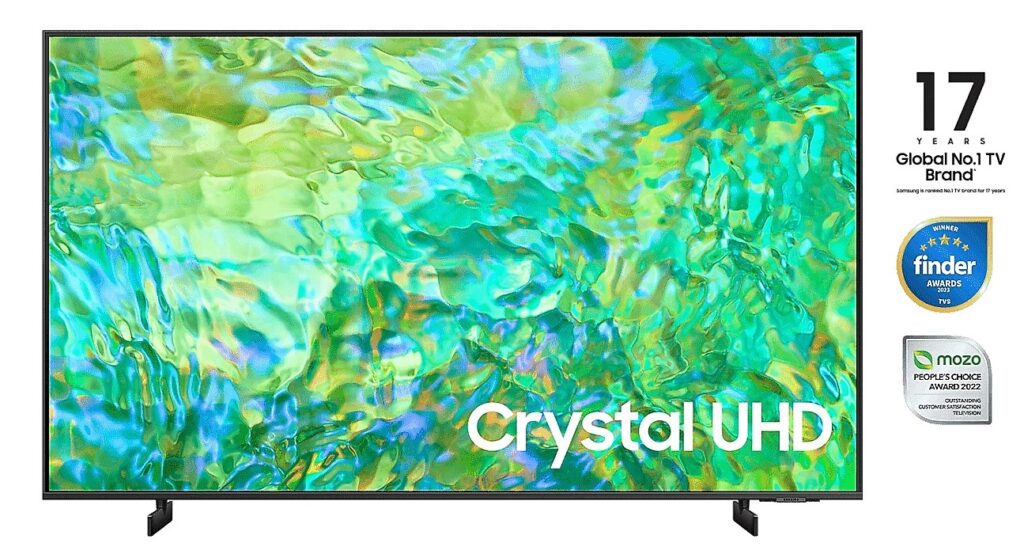
A couple of years ago, my old Sony Android TV died. I never ask for high standards for picture quality — as long as it was Full HD and could play stuff, I was happy. So I thought, “Samsung should be decent, right?” Ended up getting a 50-inch model for around AUD$900.
Big mistake.
Turns out Samsung’s TizenOS is absolute trash.
It doesn’t support DLNA or SAMBA, so I couldn’t just stream videos from my server. Every time I wanted to watch something, I had to copy the file to an external HDD and plug it into the TV. Painful.
Even then, the default media player is useless — some MKV or MP4 files wouldn’t play properly. Sometimes there’s audio but no video, and other times the built-in subtitles just wouldn’t show.
Worst of all? You can’t install any third-party apps like VLC or SmartTube. So watching YouTube meant being forced to sit through ads, and every viewing session started with a few swear words.
Safe to say, I totally underestimated how bad a smart TV could be when the OS locks you down.


Luckily, we’ve got the holy trinity these days — Google, GitHub, and ChatGPT 😎

Despite all those unofficial mods and hacks, I’ve made up my mind — Samsung TizenOS TVs are blacklisted for life. Never again. 🙅♂️